Groups
Object Groups define where access applies; Principal Groups collect identities that receive assignments.
Groups (/groups) come in two flavors, distinguished by Group type. The difference is
whether the group is used as an access boundary or as an access recipient:
- Object groups are where-containers. They hold protected objects, such as devices, clients, channels, resources, or child object groups. A permission block can point at an object group to say where its actions apply.
- Principal groups are who-containers. They hold identities, such as users, services, applications, workloads, or devices acting as principals. A role assignment or direct policy can target a principal group so every member receives that access.
An object group is not a subject and cannot receive a role assignment. A principal group is not a scope boundary and is not used to decide whether a protected object is inside a permission block's scope.
Atom seeds one principal group, authenticated-users, for all authenticated human users.
Groups can nest within their own purpose: object group nesting extends the object boundary to child groups, and principal group nesting extends inherited assignments down to child groups and their members.
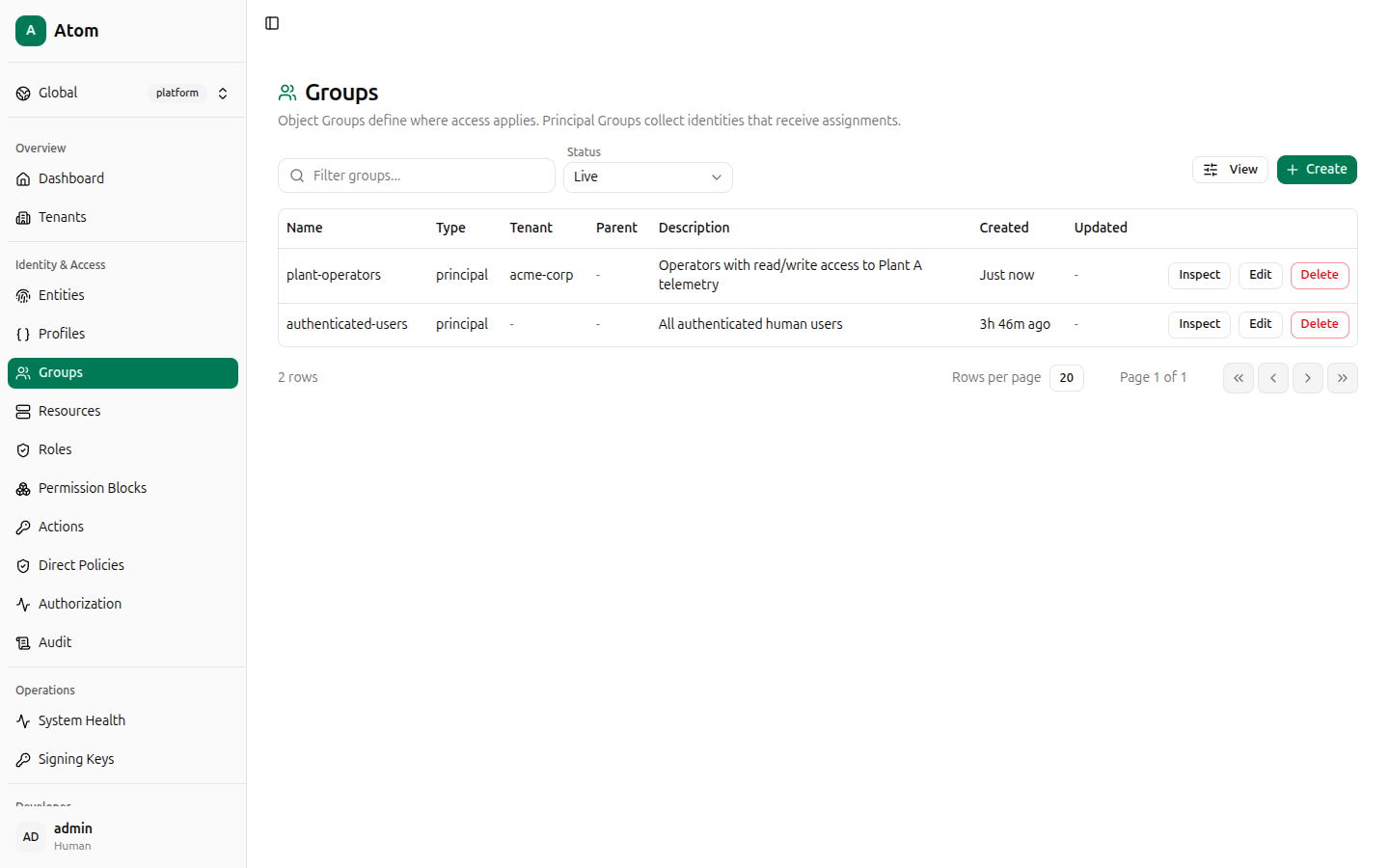
Groups table
Columns: Name, Type, Tenant, Parent, Description, Created, Updated.
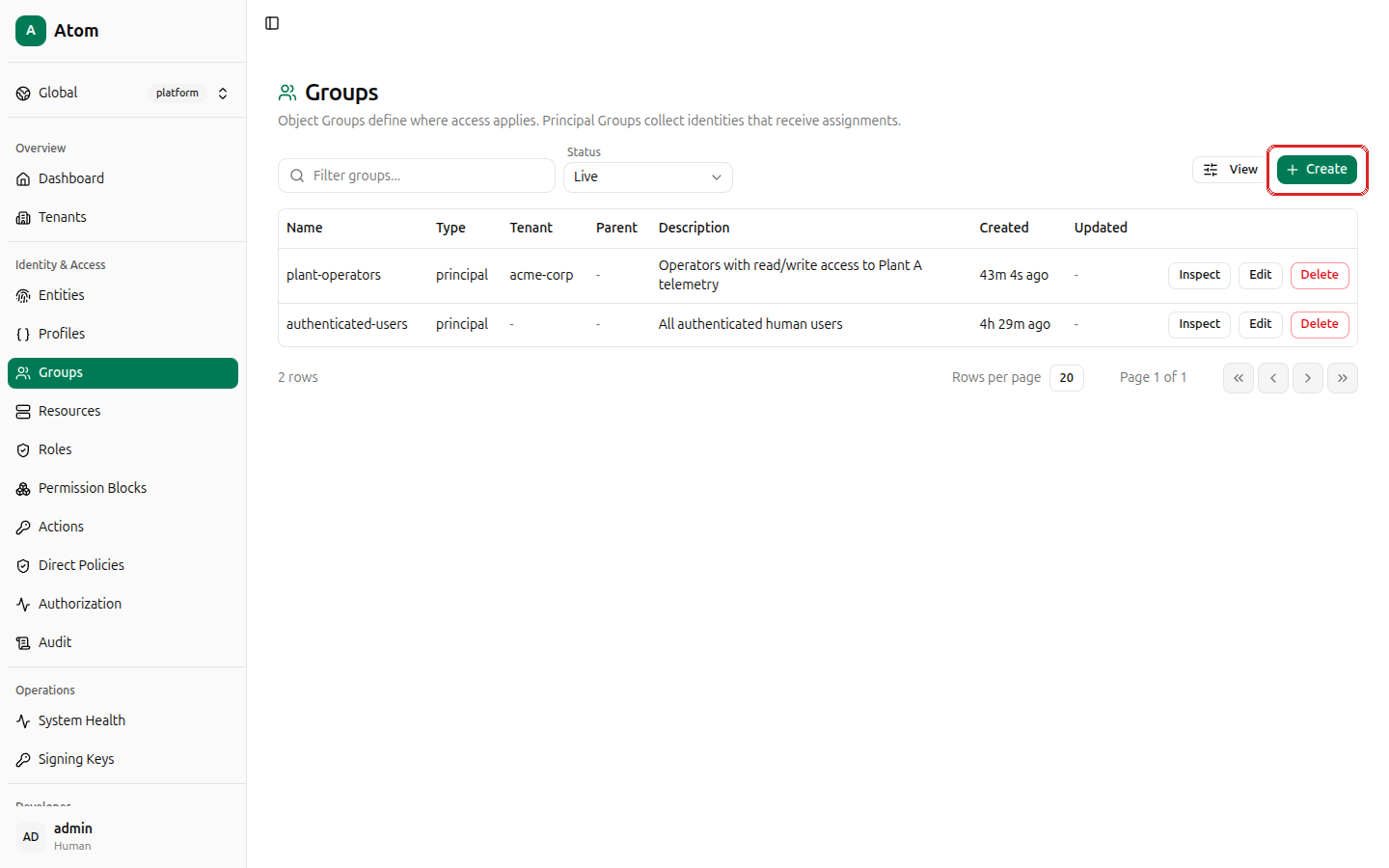
Create a group
Click + Create.
Fields:
- Name (required).
- Description.
- Group type — Object group or Principal group.
- Tenant — required; select the tenant this group belongs to.
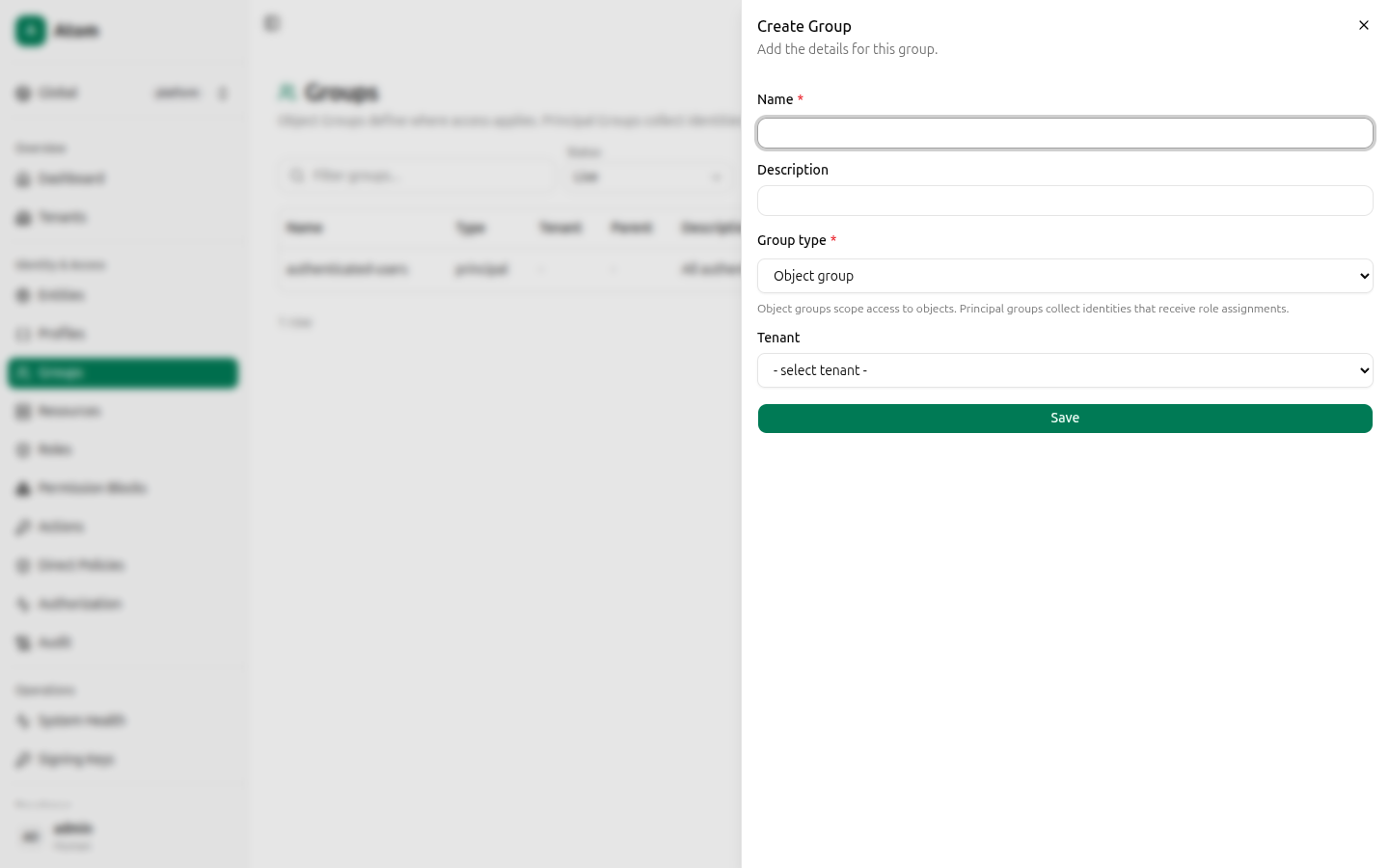
Click Save.
Row actions
- Inspect — view details and manage members.
- Edit — change name, description, or parent.
- Delete — remove the group.
Inspect and members
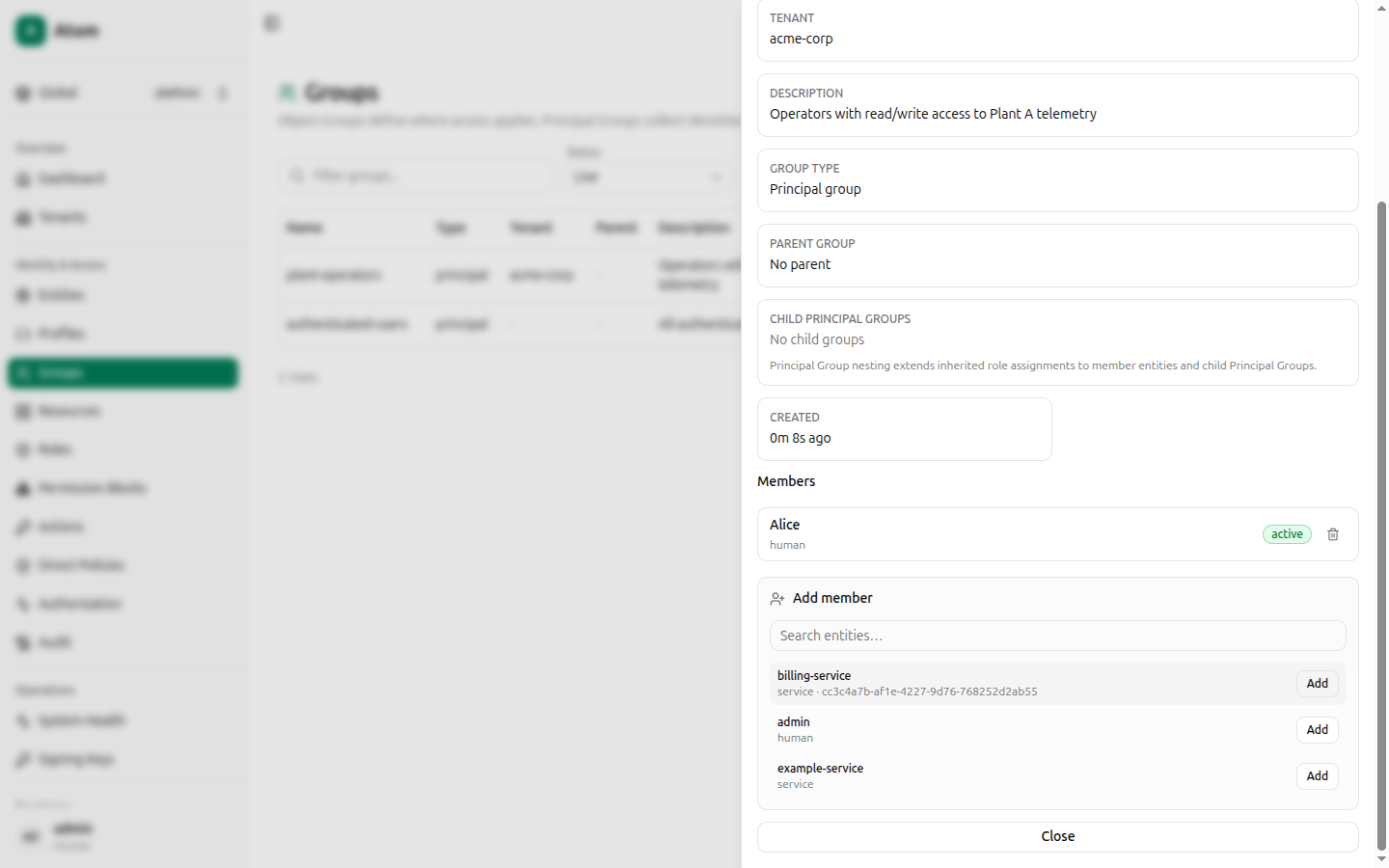
The inspect dialog shows ID, Name, Tenant, Description, Group type, Parent group, Child principal groups, and Created, followed by a Members section.
A new group has no members yet. Search the entity list below the members table and click Add next to any entity to add it.
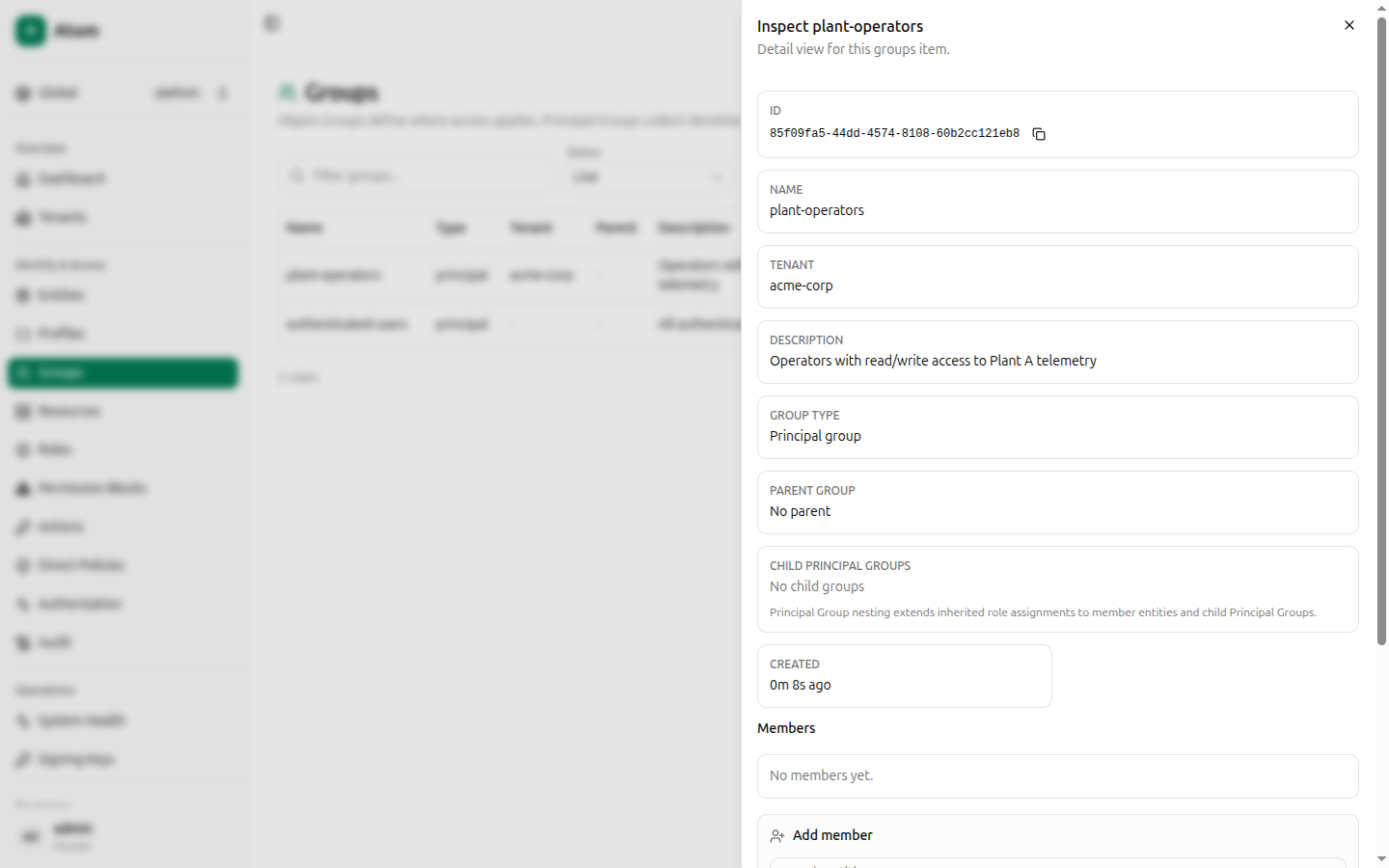
Once added, a member row shows its name, kind, status, and a Remove button.
How groups connect to access control
Groups themselves grant nothing. Access comes from assignments, direct policies, and permission blocks that reference the right kind of group:
- A permission block's Scope mode can target an object group directly (Object group itself), its direct contents (Direct objects in object group), or everything under it (Objects in subgroups), as well as child groups themselves (Direct child object groups, Descendant object groups). This only answers "does this permission apply to this object?"
- A role assignment or direct policy can target a principal group. Members inherit that grant, which answers "who receives this access?"
For example: Plant-A might be an object group containing clients and channels. Operators
might be a principal group containing Alice, Bob, and a service account. A permission block can
allow publish on channels in Plant-A, and a role assignment can give that role to
Operators. The object group defines the objects covered by the rule; the principal group
defines the subjects that receive the rule.
The Authorization debugger uses this distinction in explanations:
an inherited role may appear as through principal group "authenticated-users", while object
groups appear in the scope that matched the protected object. Role-to-principal-group
assignments in the current UI build are managed through the GraphQL API rather than a dedicated
screen; see Direct Policies for the UI-native way to grant
access to a specific entity today.